Connected devices are changing modern homes by linking lighting, security, and temperature into one system you control from your phone. One app now does the job of a drawer full of remotes.
Still, with so many connected devices available, choosing the right ones isn’t easy. Plenty of people buy one gadget, love it, then hesitate to add another because they don’t know which devices work together.
The Demo Blog helps homeowners choose and connect smart devices that work together. This guide starts with three useful options for lighting, voice control, and temperature. We’ll then cover the role of locks and cameras in home security, followed by tips for choosing a compatible platform.
Smart Home Technology Is No Longer a Luxury
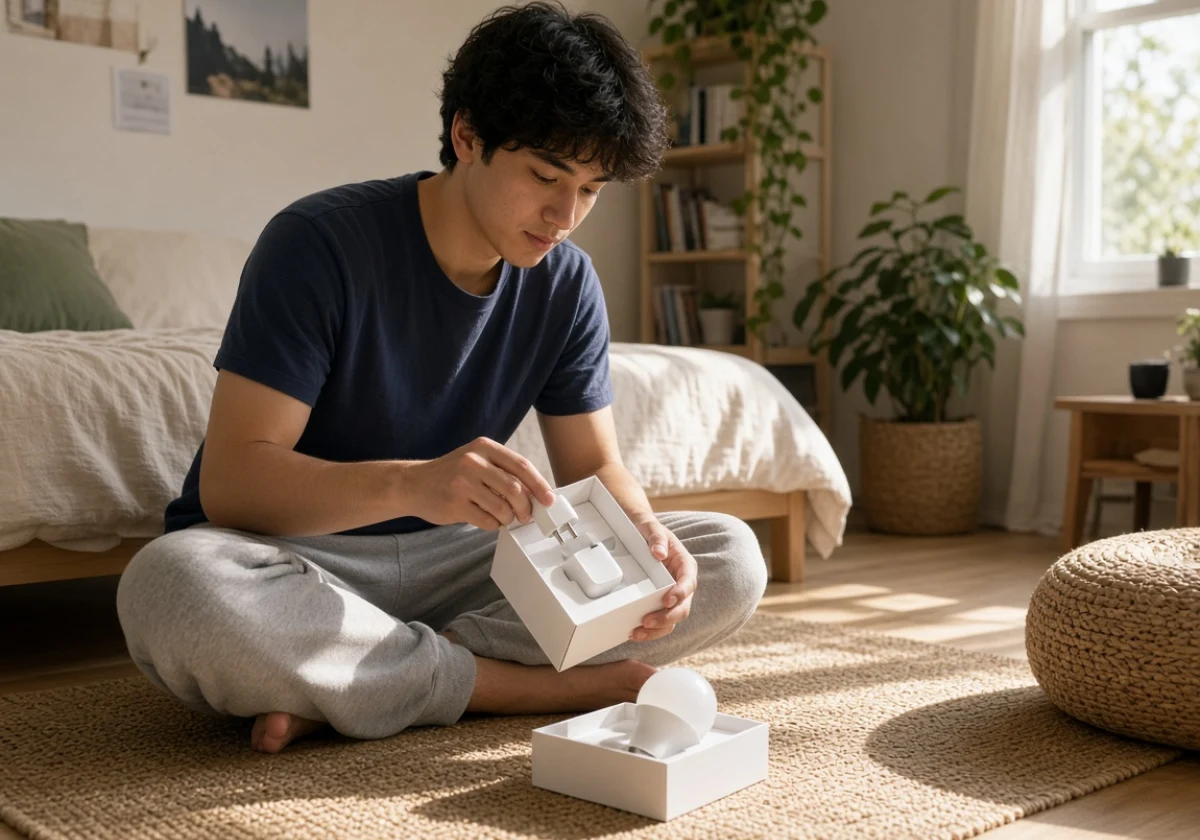
Smart technology in the home has climbed well out of niche territory, and the range on sale shows it. Speakers, smart appliances, and door locks stopped being toys for early adopters and became ordinary home technology, the same way a garage door opener did.
Falling prices explain much of that shift. A smart plug is an affordable first purchase, so people often try one before adding others. Setup has become easier too, since IoT devices that once needed their own hub now pair over your home Wi-Fi in minutes through a single app.
Voice assistants have made daily use simpler as well. Instead of memorising specific commands, you can ask Alexa or Google Assistant to turn on lights or adjust the temperature. These improvements make connected devices easier for beginners to use.
Smart Home Gadgets That Make Daily Life Easier
Smart speakers, lighting systems, and thermostats are three useful additions because they support everyday routines. Each serves a different purpose, including hands-free control, automated lighting, and temperature management.
Home Speakers With Built-In Voice Assistants
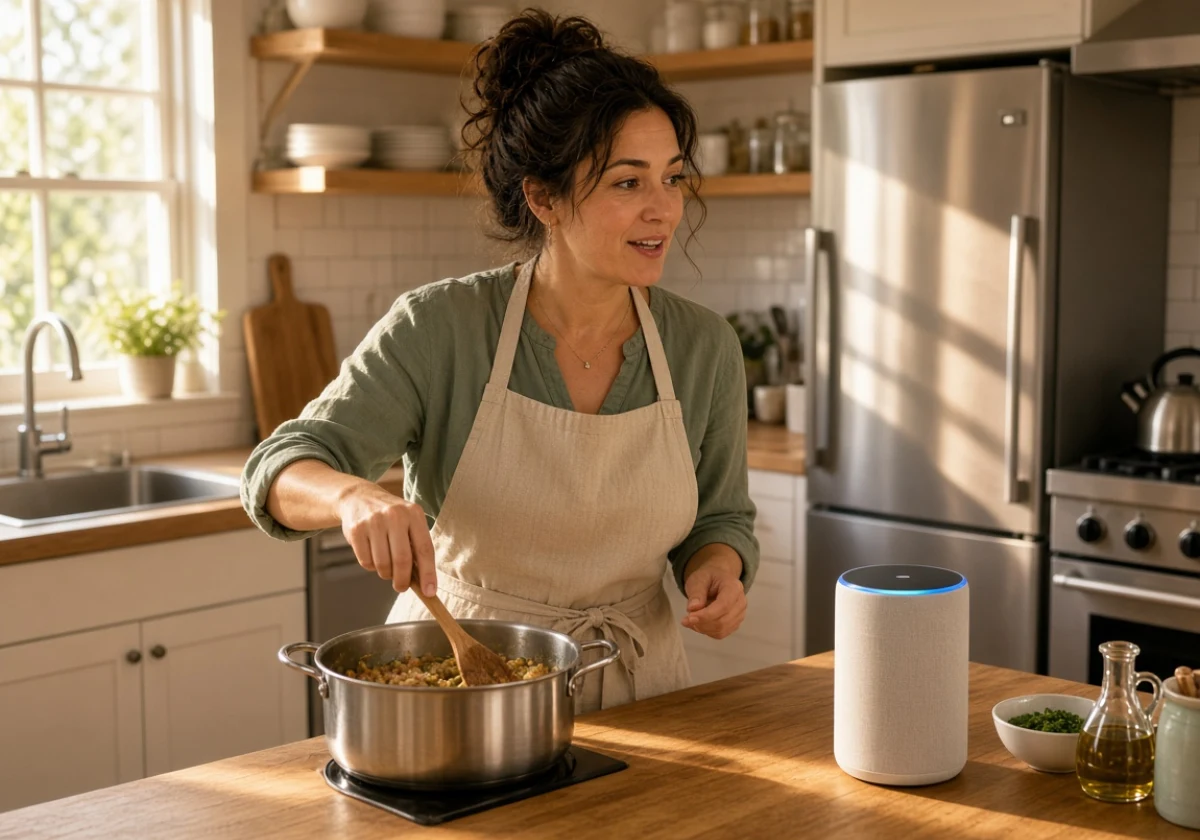
Voice commands are the point of a smart speaker, so your hands stay free while you cook. For instance, ask Amazon Alexa for a timer, and the Amazon Echo on the counter sets it.
Beyond timers, the speaker becomes the control point for the rest of your connected devices. Google Home does the same for households already using Google Assistant.
Most owners start with music and weather, then set up routines. A bedtime routine, for example, can lock the front door, turn off the downstairs lights, and set the thermostat to your overnight temperature in one command.
Automated Lighting Systems That Follow Your Daily Routine
You can set a lighting schedule once and let it run automatically. For example, lights gradually brighten with your alarm and dim at bedtime without anyone touching a switch.
If you’ve ever hunted for a switch with both arms full of groceries, you know the appeal. Motion sensors turn on the lights in hallways and stairs after dark, so you don’t have to search for the switch.
To try these features without replacing every bulb, begin with two rooms rather than the whole house. Start with the kitchen and hallway, where scheduled lighting and motion sensors are useful for everyday tasks.
Energy-Saving Thermostats That Help Lower Your Energy Bill
A smart thermostat learns when you’re usually home and adjusts the temperature when you’re away. That schedule cuts the hours your furnace or air conditioner runs each week.
Energy efficiency is the measurable part, since the savings come from small temperature changes you’d never make by hand. According to ENERGY STAR, certified thermostats save an average of about 8% on heating and cooling bills. Your thermostat adjusts the temperature a degree or two overnight, and you sleep right through it.
Even with these automatic settings, you still have control over the temperature from your phone. During a Midwest cold snap, you can warm the house from the car before the drive home ends.
Home Security: How Smart Locks and Security Cameras Protect Your House
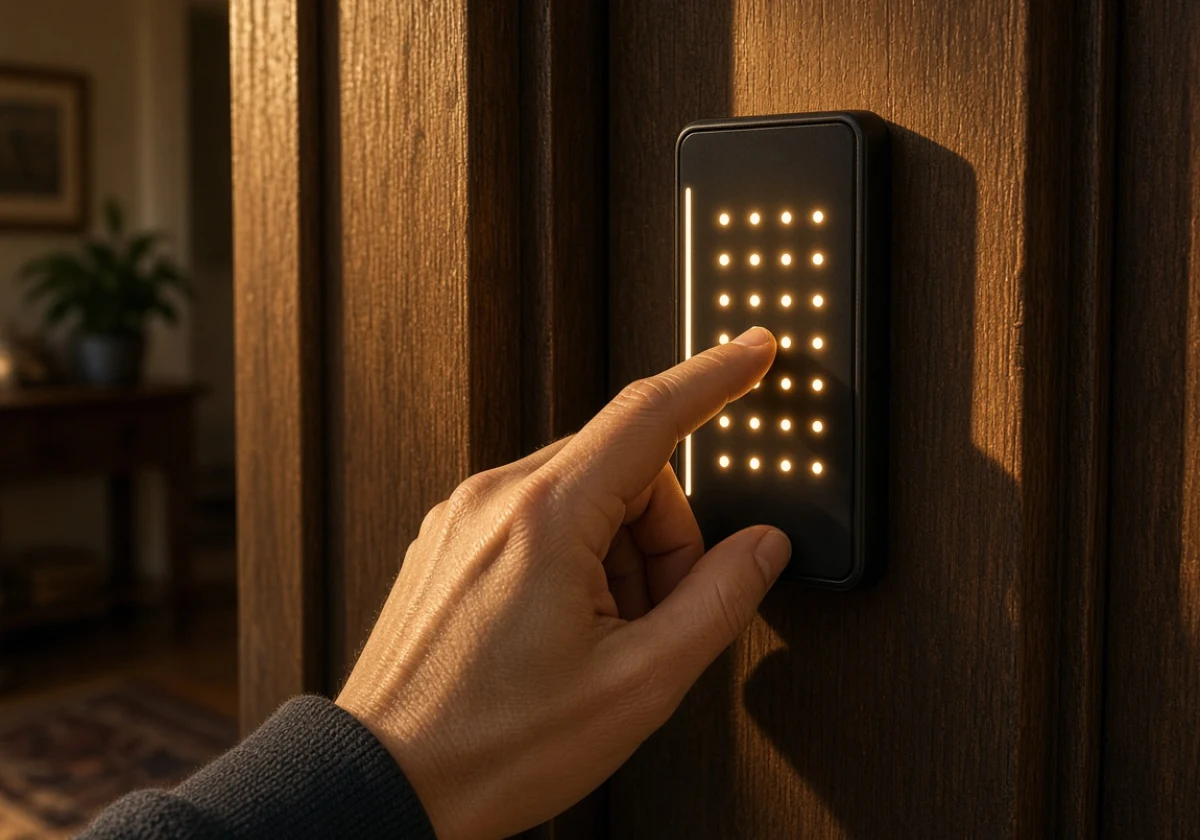
Convenience is one half of the story. Smart locks and security cameras help you monitor your home and control who enters, even when you’re away. You can check live camera footage, receive alerts, and confirm that your doors are locked from your phone.
The devices below cover different security needs, including door access, outdoor monitoring, and safety alerts.
- Smart Locks: Keyless entry removes the need for a spare key under the mat. You can give the dog walker a temporary guest code and receive an alert whenever the door opens. Look for a model with auto-lock, so the door secures itself if you forget.
- Security Cameras and Video Doorbells: You can check live video from anywhere to see what is happening around your home. Motion alerts notify you when someone approaches, and saved clips let you review the activity later. Check whether the camera stores footage locally or requires a monthly cloud subscription, since that recurring cost catches many first-time buyers.
- Sensors and Alarms: Pair door and window sensors with smoke and carbon monoxide alarms for a layered setup. Motion sensors near entrances send phone alerts if activity occurs while you are away. Connect them to your speaker so the whole house hears a warning, not just your phone.
Connected security devices also need protection from unauthorized access. CISA’s guidance on securing connected devices recommends replacing default passwords with strong, unique ones.
With these options in mind, start with the piece that fixes your main worry, the front door or the basement. The rest follows once you trust the alerts.
Choosing Home Automation Systems That Work Together
For your devices to work together, they need to support the same platform, such as Amazon Alexa, Google Home, or Apple Home.
The table below compares three popular platforms by their voice assistants and the households they suit best.
| Platform | Voice Assistant | Best For |
|---|---|---|
| Amazon Echo | Alexa | Widest device compatibility |
| Google Nest | Google Assistant | Easy setup and Android users |
| Apple HomeKit | Siri | Privacy and iPhone users |
Your phone is a good starting point, but check which devices each platform supports before choosing. Otherwise, you may have to replace incompatible devices or recreate your routines again if you switch platforms later.
Ready to Make Your Home Smarter?
Smart home technology works best when your devices communicate through one platform instead of separate apps. Choosing compatible products can be confusing, so start with one room to test what works before adding more devices.
As we’ve covered, speakers, lighting, and thermostats help with daily routines, while locks and cameras improve home security. To bring these features together, a shared platform helps you manage your devices without compatibility problems.
With that in mind, your first purchase doesn’t need to be expensive. A bulb or plug is a good place to start. Follow The Demo Blog for practical guidance, and our team will walk you through every step of choosing and connecting your devices.