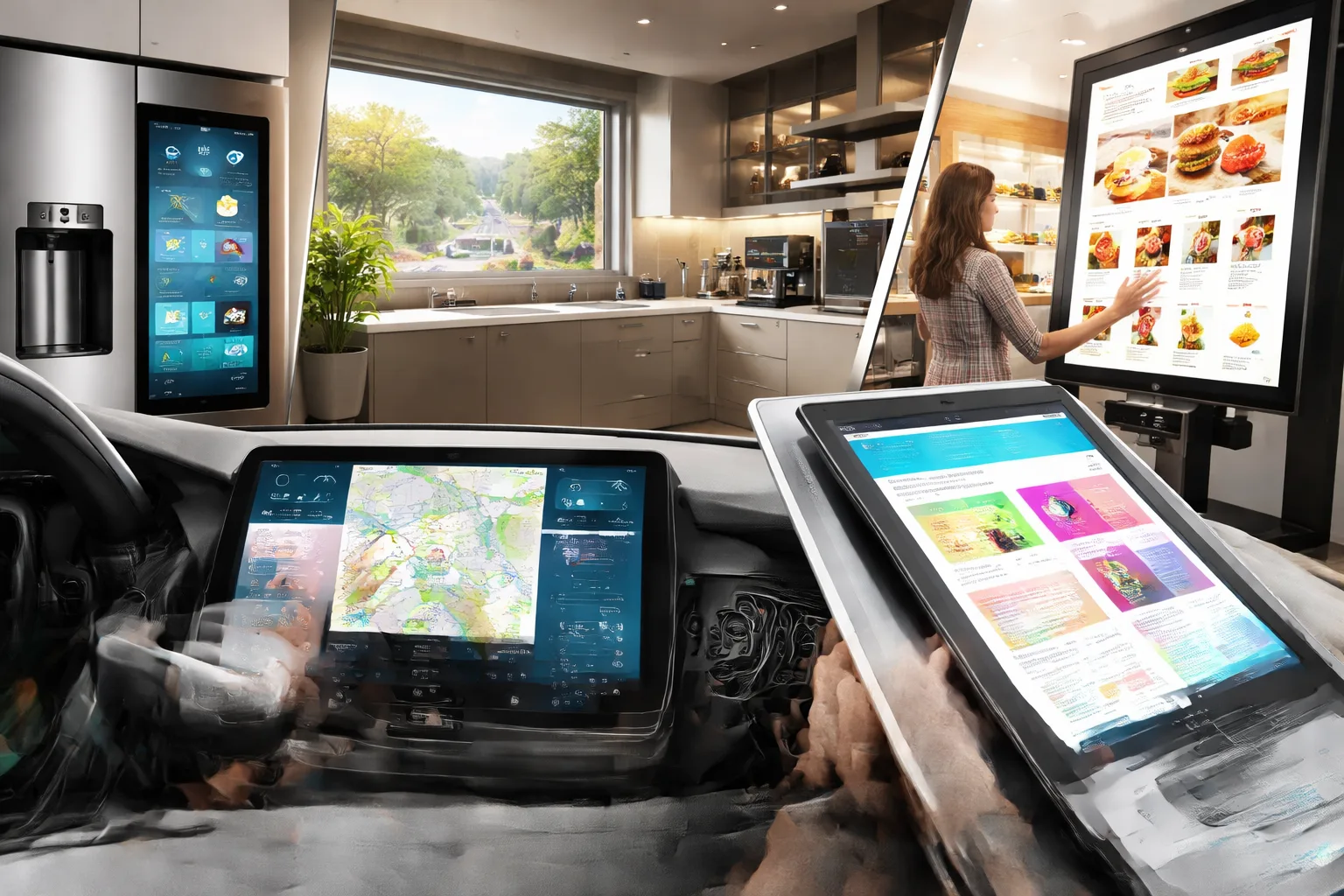
Touchscreens are back because the technology finally works. Since manufacturers have improved accuracy and dropped costs, touchscreen trends are suddenly worth following again.
Frankly, once smartphones trained everyone to expect touch input everywhere, all else started to feel ancient. Thankfully, modern screens last all day on a single charge, and they respond fast enough for real work.
We’ll walk you through why touch-screen laptops made a comeback, where interactive displays work best, and which improvements made touchscreens reliable enough for daily use.
Let’s dive into how tech finally caught up.
What’s Behind the Touchscreen Technology Trends?
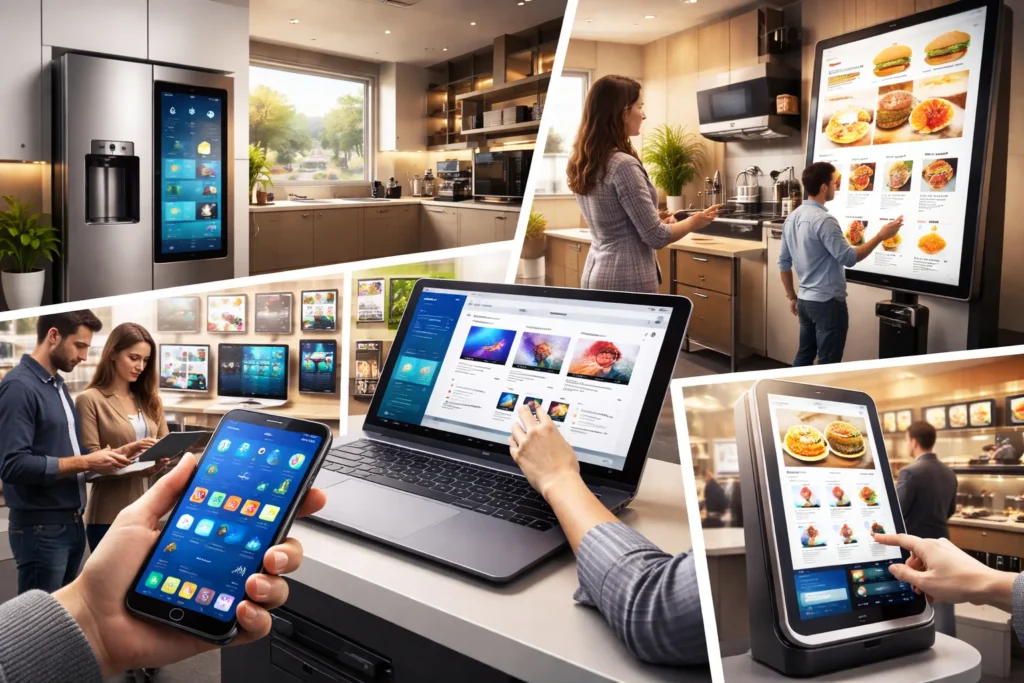
Lower costs and better technology brought touchscreens back to mainstream devices. The shift happened fast, driven by three major changes:
- Smartphone influence: Smartphones trained everyone to expect touch input on every screen they use. Once people got used to swiping on their phones, buttons and mice started feeling slow. And businesses had no choice but to adapt.
- Lower manufacturing costs: Touch screen production became affordable between 2016 and 2024, which makes touch displays viable for budget devices. And higher production volumes drove prices down across the industry (and yes, profit margins helped push the trend too). What used to add $200 to a laptop now costs under $50.
- Better gesture recognition: Modern touch panels handle multi-finger gestures, palm rejection, and stylus input without issues. The improvement means you can switch between typing, swiping, and writing seamlessly during your work.
Laptops had a rougher journey with touchscreens, though. The first models drained batteries fast and responded slowly, which turned users away. But manufacturers successfully solved these problems before touchscreens made a comeback.
Why Touch-Screen Laptops Are Making a Comeback
Modern touch-screen laptops eliminated the battery drain problem that plagued early models. What’s more, early models failed because they sacrificed performance for a feature most people didn’t use.
These are the three improvements that brought them back:
Battery Life Isn’t a Problem Anymore
Modern touch-screen laptops use power-efficient displays that match non-touch models for battery performance. The difference from early models is striking, because early touch laptops died after 3-4 hours. Whereas, even 8-10 hours is standard now, since capacitive screens consume far less power.
Windows Finally Got Touch Right
Windows optimized its interface to work seamlessly with both keyboard and touch input. When you tap with your fingers, buttons and menus automatically expand for easier selection. Now switch back to a mouse, and everything returns to normal size for precision work.
Note-taking and Creative Work Sealed the Deal
Note-taking with stylus input beats typing for students who need to sketch diagrams or annotate documents. After testing several touch screen models for design work, the stylus accuracy caught us off guard.
Compared to dedicated drawing tablets now, these laptops are popular among students and creative professionals who need speed when using digital art apps.
But public spaces, nowadays, took a completely different approach to touchscreens. Let’s touch down on that next.
Touch Display Innovation in Public Spaces
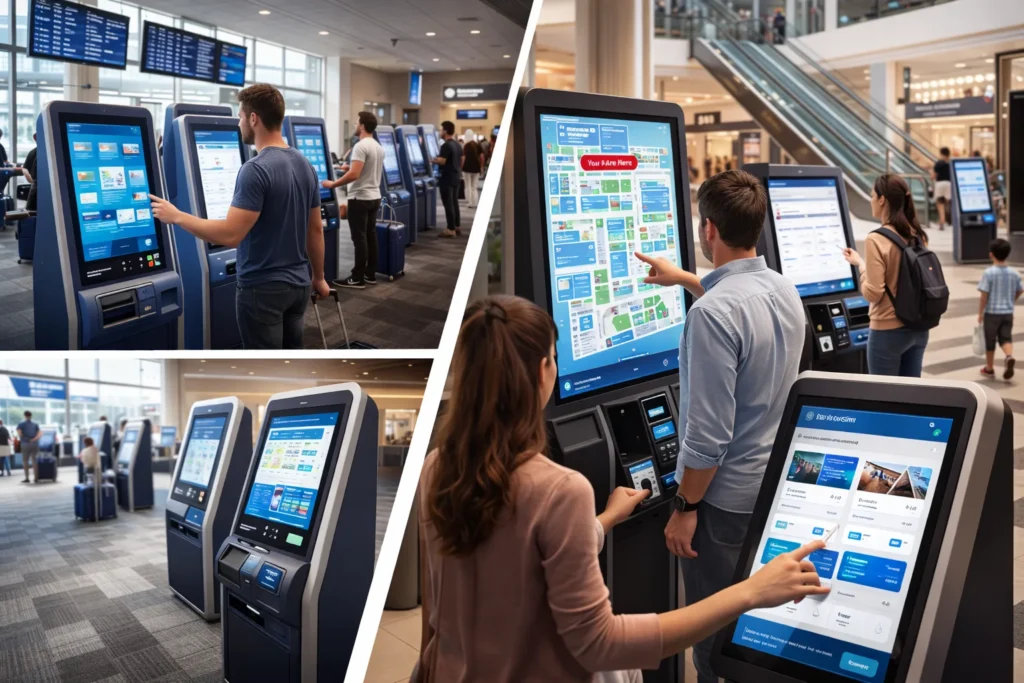
We have all noticed how every airport and mall now has self-service kiosks. These interactive displays handle everything from wayfinding to payment processing without requiring assistance.
To catch up on the trend, transportation hubs followed the same path. They had no choice but to install touch screens, which reduced staffing costs while giving travelers faster access to tickets and maps.
What’s even more interesting is that self-service kiosks are also being used by restaurants, hotels, and retail stores. These installations help businesses serve more customers during peak hours.
But the question still lingers: what made them stick this time? Well, companies finally stopped treating touchscreens like fancy decorations and started solving real problems. Research says that the shift toward commercial touchscreen adoption accelerated between 2018 and 2024 as businesses recognized the cost savings.
And from there, touch interface design became more intuitive as designers learned what confused users. They made changes based on their new knowledge, and now the screens respond instantly with menus that make sense.
While public spaces embraced self-service touchscreens, cars went in a completely different direction.
How In-Car Touch Screens Changed Driver Expectations
In-car touch screens changed driver expectations by making centralized control the new normal. Modern cars replaced up to fifty physical buttons with single-touch displays that handle everything from one interface. And three changes show how this played out:
- Centralized Control Systems: Car displays replaced physical buttons with touch screens that handle navigation, climate, and entertainment from one interface. This lets drivers access multiple features without searching for scattered knobs.
- Smartphone Integration: Apple CarPlay and Android Auto made in-car touch screens feel familiar. This is because the interfaces mirror what people already know from their phones. The similarity reduces the learning curve when switching vehicles.
- Physical Controls Still Have Supporters: Some drivers still prefer physical buttons for specific needs like adjusting temperature or volume (though some safety experts still question removing physical climate controls). Touch screens work well for complex menus, but can’t beat a simple knob for quick adjustments while driving.
Touchscreens simplified car interiors, though the debate about safety continues.
The Tech Making Touch Technology More Reliable
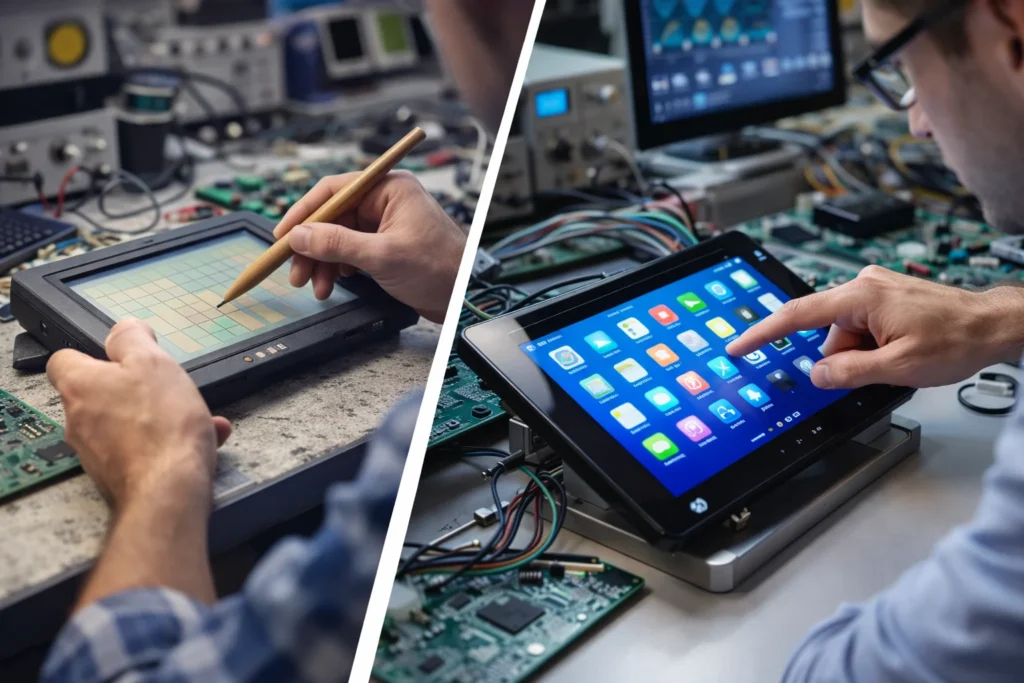
Capacitive screens respond faster and more accurately than the old resistive technology used in early touchscreens. Manufacturers spent years fixing problems that made those early displays unreliable.
Here’s what finally improved:
Capacitive Screens Replaced Old Technology
Capacitive screens respond to electrical signals from your fingers rather than requiring pressure, unlike resistive touch technology. This makes them respond instantly when you tap or swipe.
You’ll notice the speed and accuracy improvement immediately (resistive screens are basically extinct in consumer devices now).
Better Durability and Input Options
Modern displays handle rain, gloves, and stylus input without the frustrations of earlier models. The durability improvements go beyond basic protection, though. Well, don’t worry, because capacitive screens now work through thin gloves and light rain, which makes them practical for outdoor use.
Bluetooth stylus support expanded what portable devices can do, so users can move between finger taps and precise pen strokes easily.
Power Efficiency Improved
Battery life improved because screens use less power than resistive technology requires. The change shows up in real-world usage, too. According to our investigation with various devices, we noticed that touch-screen laptops match the battery life of non-touch models.
These technical improvements made touchscreens reliable, but they still work better in some situations than others.
Where Touch Screens Work Best (and Where They Don’t)
Now, let’s have a look at where touchscreens work best. Touch input works perfectly for tablets, smartphones, and quick computer tasks like browsing or checking email.
The speed advantage shows up when you tap through menus or swipe between screens. Plus, laptops with touch support extend this benefit by letting you switch between tapping and typing based on what you’re doing.
On the contrary, the limitations become clear with extended typing, though.
For instance, after testing with different devices, we found that typing more than 500 words on a touch keyboard gets uncomfortable fast. Because touch keyboards lack the tactile feedback that helps you type accurately. As a result, long writing sessions still need a proper physical keyboard.
To sum it all up, desktop computers rarely benefit from touchscreens since most work happens through keyboard shortcuts and mouse navigation. Basically, you can say that touchscreens complement traditional inputs rather than replace them entirely.
Touch Screens have Finally Found Their Place
Touch displays work reliably now because manufacturers fixed the core problems that frustrated users for years. Battery drain disappeared, accuracy got significantly better, and costs dropped enough to make touchscreens practical for everyday devices. The improvements took time, but they delivered.
Furthermore, understanding these changes helps you make better device choices. That’s why this article covers how smartphones changed users’ expectations and why laptop batteries improved so much. To support those topics, we also talked about where you’ll see self-service screens, touch upgrades in cars, and what technical upgrades made it all work.
Touchscreens complement keyboards and mice rather than replace them completely. The Demo Blog keeps you informed on technology shifts that change how we work. Stay curious about what’s next.